 Ember Noise
Platforms
Made for the screen it is on
The Apple apps share one Swift core and SwiftUI mixer, with native platform adapters around it. Each Apple platform has a native implementation. Public release builds are still pending.
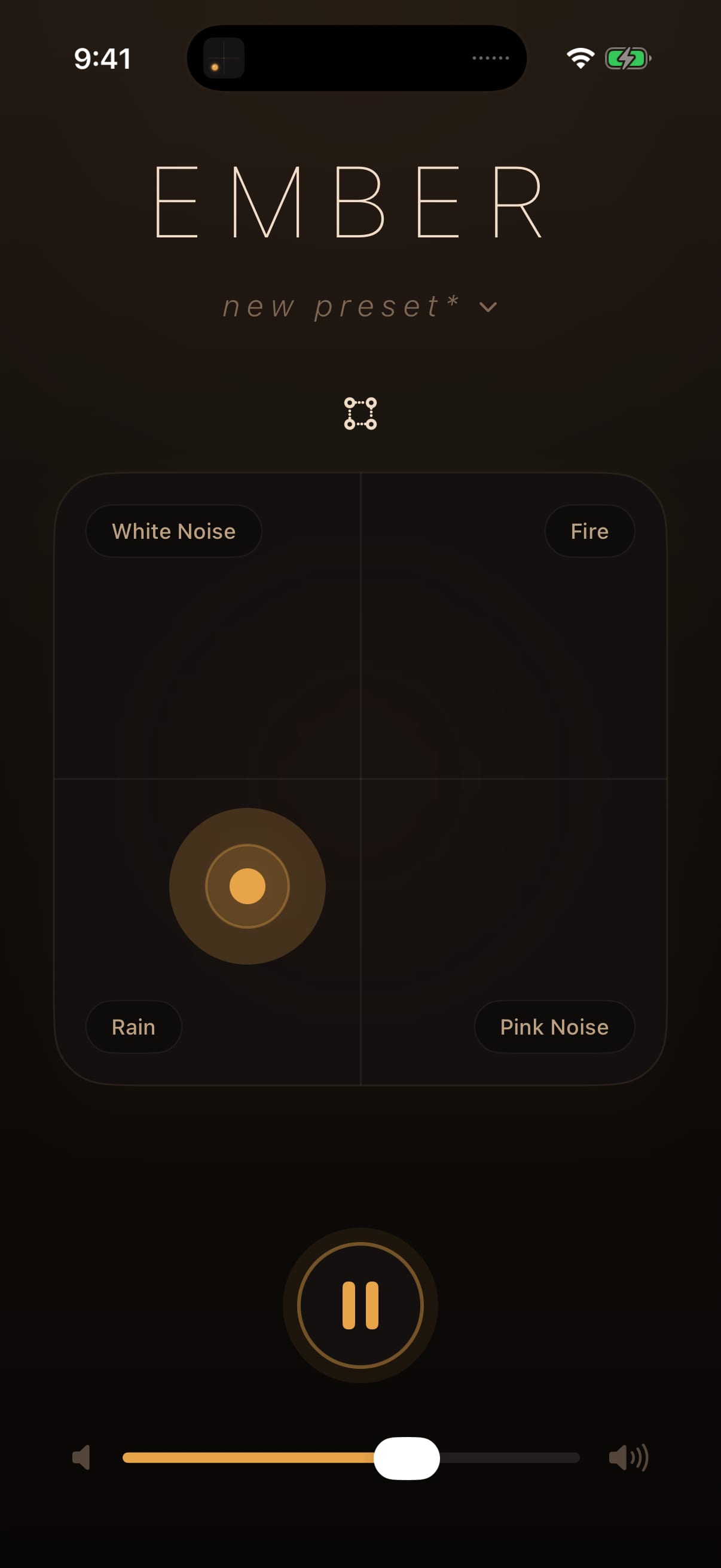
iPhone
The full mixer in a compact layout, with background playback, Control Center and lock-screen controls, audio interruption handling, and private local-network transfer. Requires iOS 26 or later.
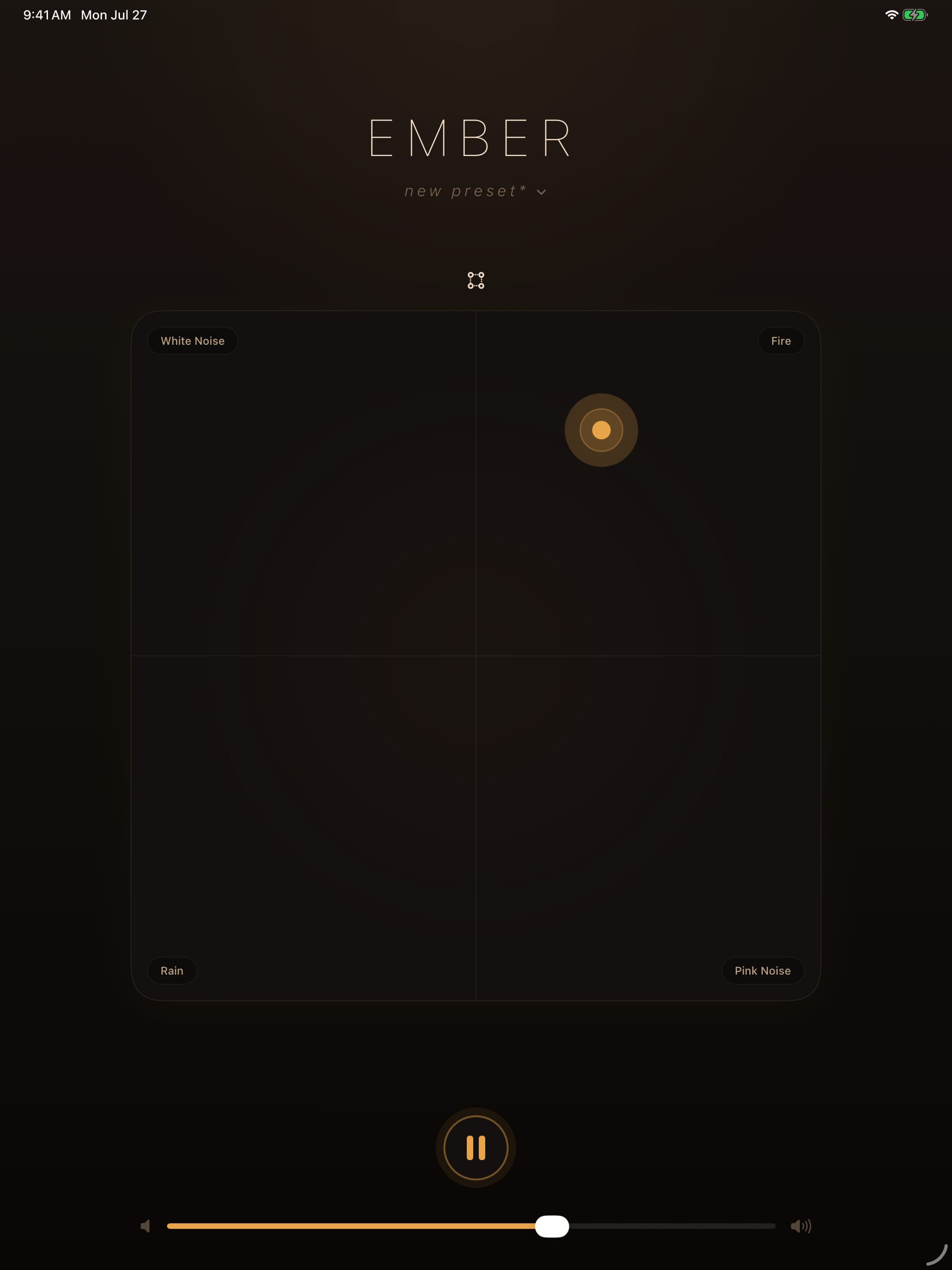
iPad
The iPad blend space works in portrait or landscape. The layout adapts across full screen, Split View, and compact landscape without hiding the transport or preset actions. Requires iPadOS 26 or later.
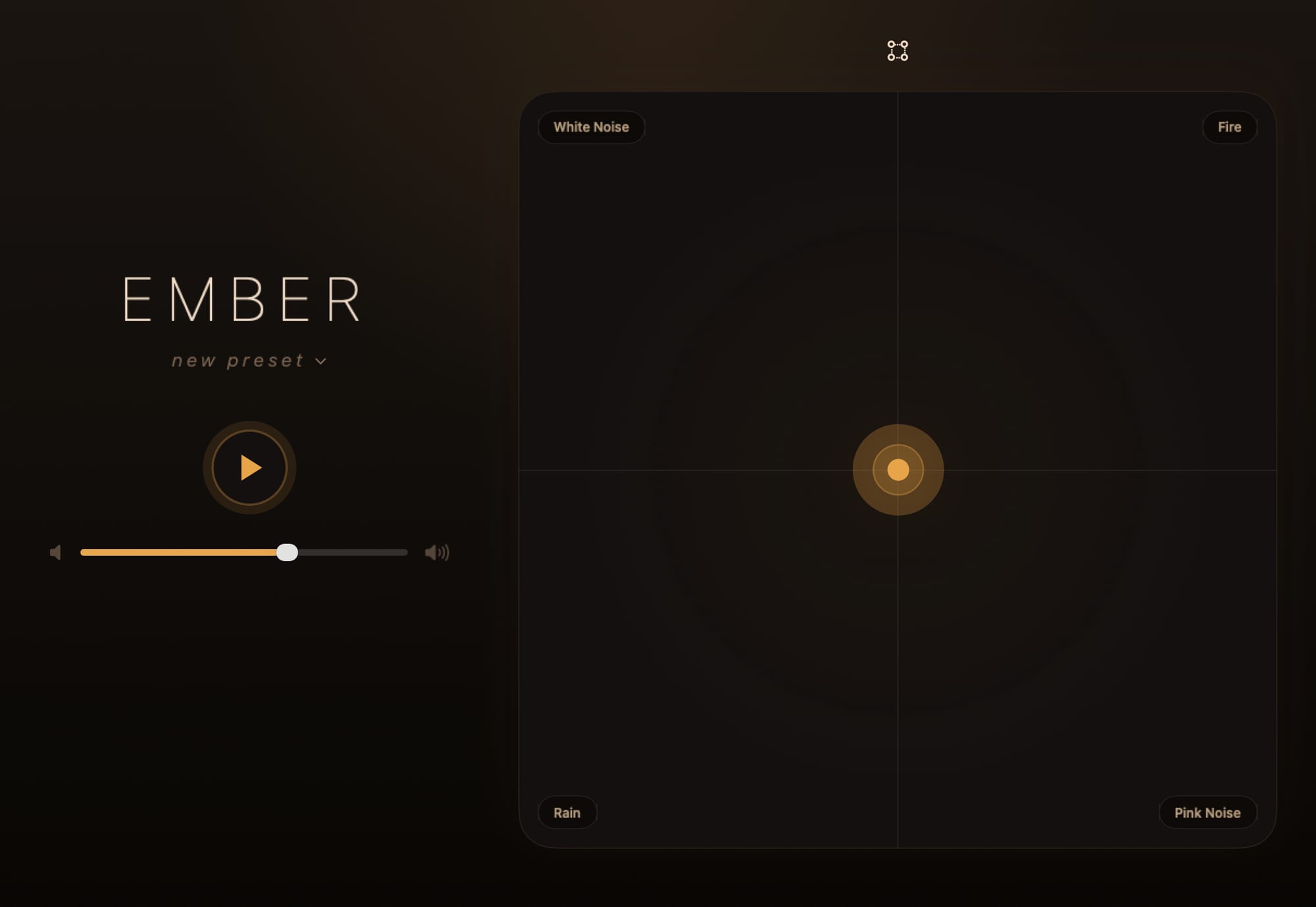
Mac
AppKit and SwiftUI provide a native Mac app with the landscape mixer in a resizable window. Closing the window leaves playback running from the menu-bar controller. Media keys, Now Playing, and opt-in Launch at Login connect the app to macOS, while the Dock icon offers Always, With Mixer, and Never modes. Requires macOS 26 or later.
Linux
A Linux version is in active development and is not a public distribution yet.
Move presets between your devices
On the Apple builds, make a mix on one device and move it to another with Send to Device. Transfers travel over your own network with end-to-end encryption.